








How to Choose an Interactive Flat Panel for Your Meeting Room
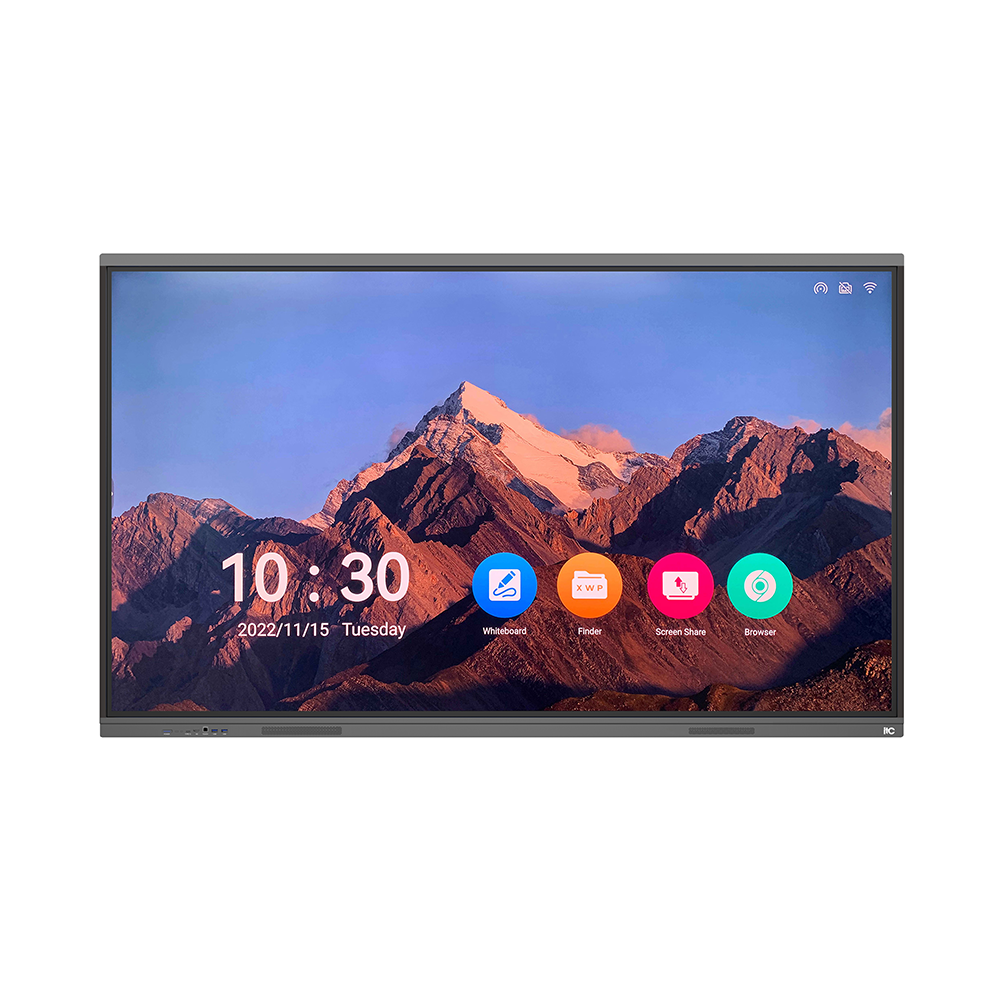
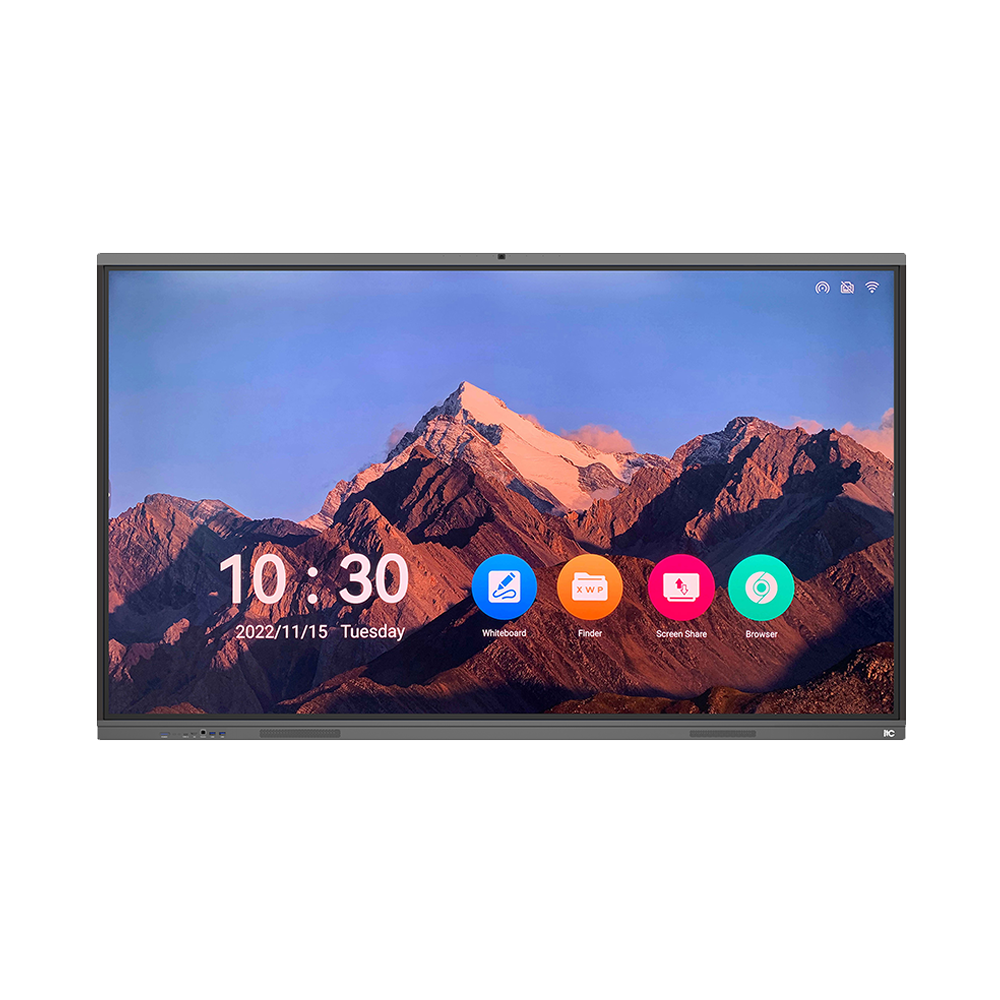
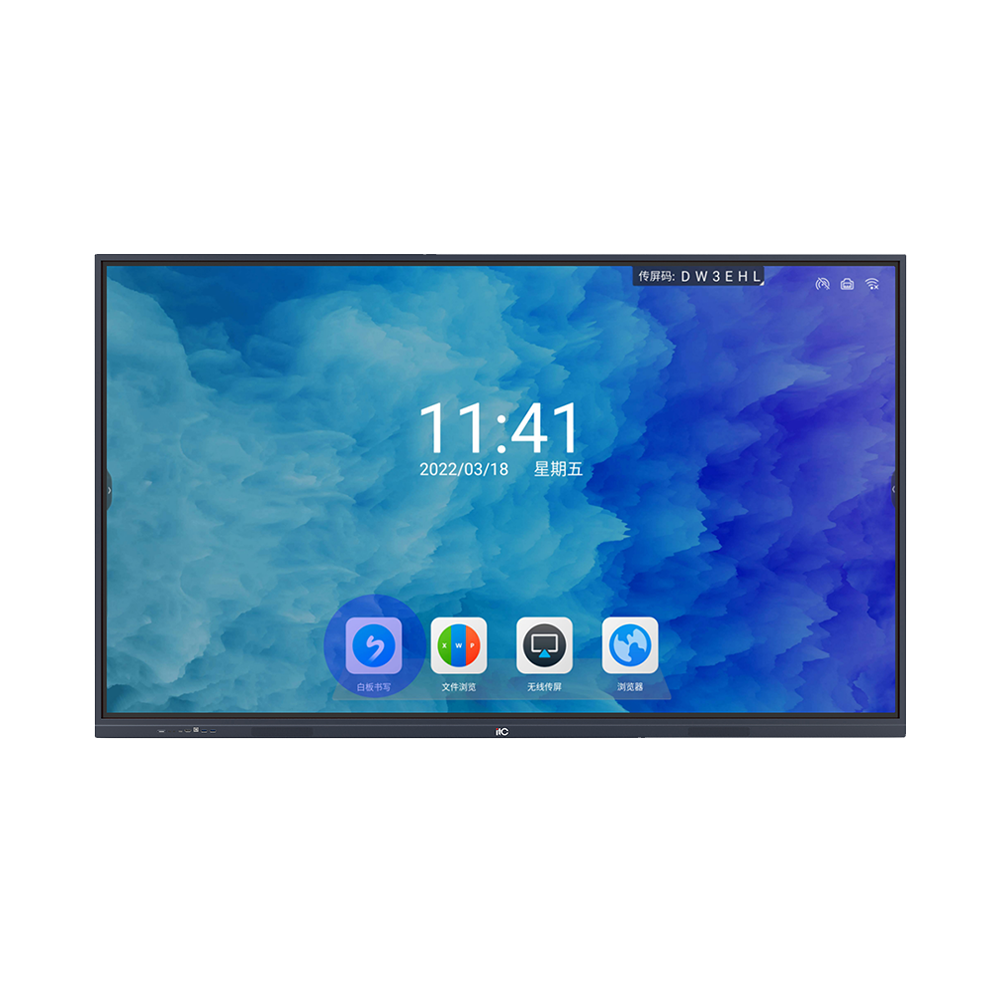
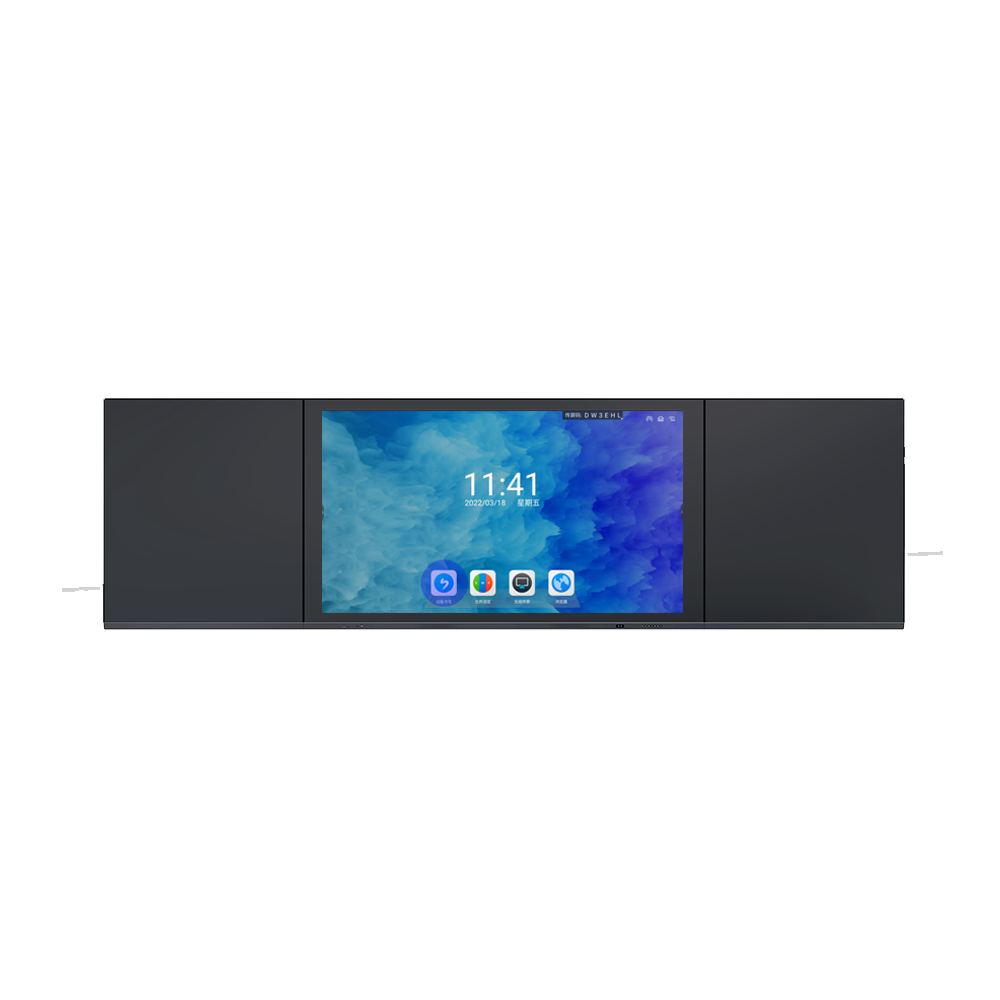
Every meeting room project starts with the same purchase question — what goes on the wall — and ends with the same daily reality: the screen that gets used is the one nobody has to think about. Projectors lost that contest years ago in rooms that matter. Large-format LCD screens are winning some of it. But the fastest-growing answer for corporate rooms is the interactive flat panel: a 4K touch display with a built-in computer, whiteboarding, wireless casting and video conferencing in one unit, which turns the front wall from a passive screen into the room's operating system.
This guide is for facilities managers, IT leads and procurement teams choosing that panel. It puts the decision in order: first whether an interactive panel is the right technology for the room, then size, writing and collaboration features, video conferencing integration, wireless casting, operating system, and the operational details that decide whether meetings actually start on time. It pairs with our earlier overview of how interactive displays power modern business collaboration; this one is the line-by-line selection guide.
First decision: is an interactive flat panel the right technology?
Four technologies compete for a meeting room wall. Each has a natural territory, and choosing honestly here prevents every later regret.
| Technology | Strengths | Weaknesses | Best fit |
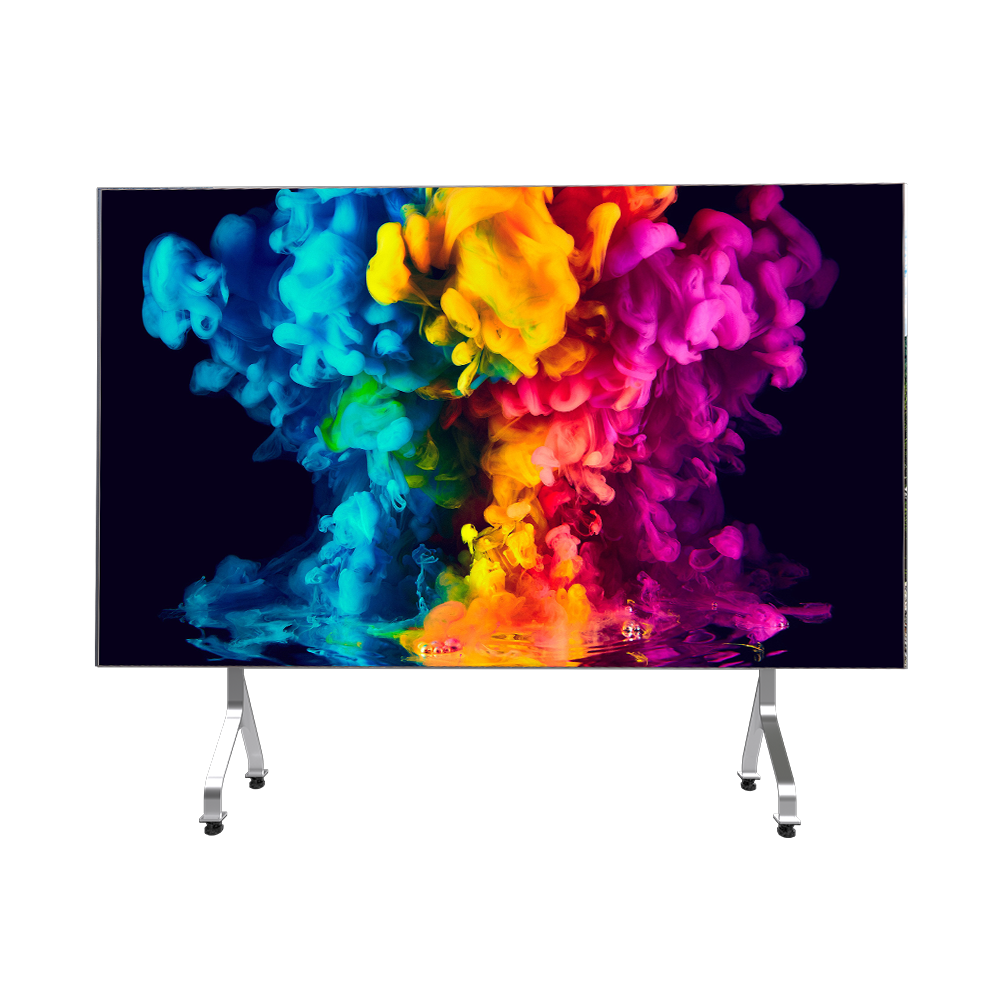
| Interactive flat panel | Touch + whiteboard + computer + conferencing in one; 4K; instant boot; no consumables | Fixed sizes (65"–98" typical); premium price vs a plain display | Huddle rooms to boardrooms where collaboration happens on the wall |
| Large-format LCD display | Lowest cost per size; simple | No touch, no built-in computer, no whiteboard | Viewing-only rooms, signage, secondary screens |
| Laser projector + screen | Cheap large image; wall stays clean when idle | Washes out in light; lamp decay; presenter shadow; no touch | Dark-controlled training rooms, low-usage rooms |
| Modular LED video wall | Any size, seamless, high brightness | No touch; higher system cost; needs processor and integrator | Very large boardrooms, auditoriums, statement walls |
The pattern in practice: rooms where people present get a display; rooms where people work together get an interactive panel; rooms where people gather to watch at distance get LED. Many corporate rollouts end up mixing all three — and an LED wall in the boardroom can even be paired with an interactive panel in the same room when annotation matters. For the LED comparison in depth, see our conference room LED display guide on the itc LED site.
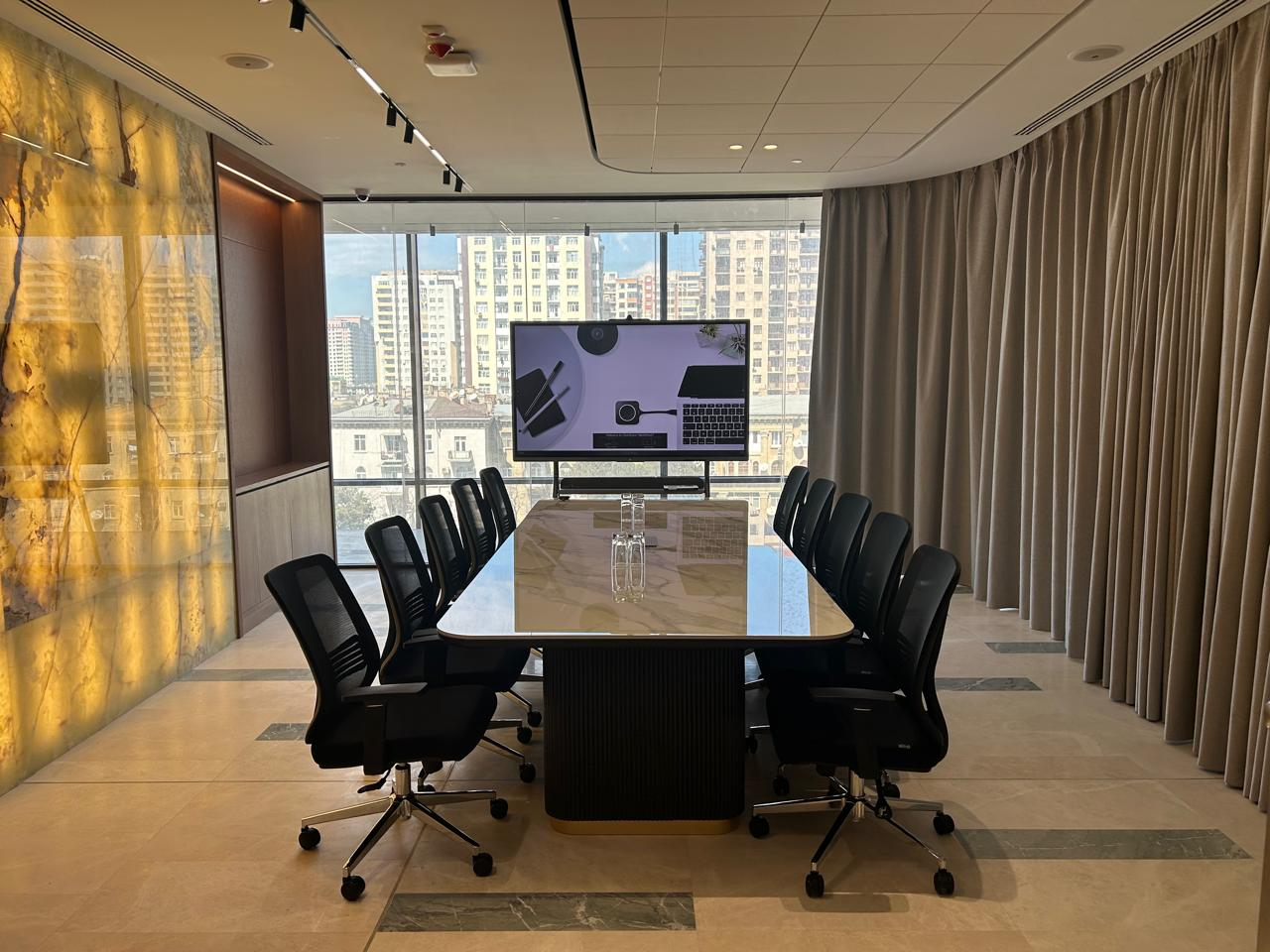
Step 1: Size — the room decides, the farthest seat confirms
Size selection follows the same rule as every display project: character height on screen should be roughly 1/25 of the distance of the farthest seat. The interactive layer adds one constraint — the usable touch area should be reachable by standing users without a stool, which caps comfortable writing height at about 86 inches for most rooms.
| Room type | Farthest seat distance | Recommended panel size | Suggested series tier |
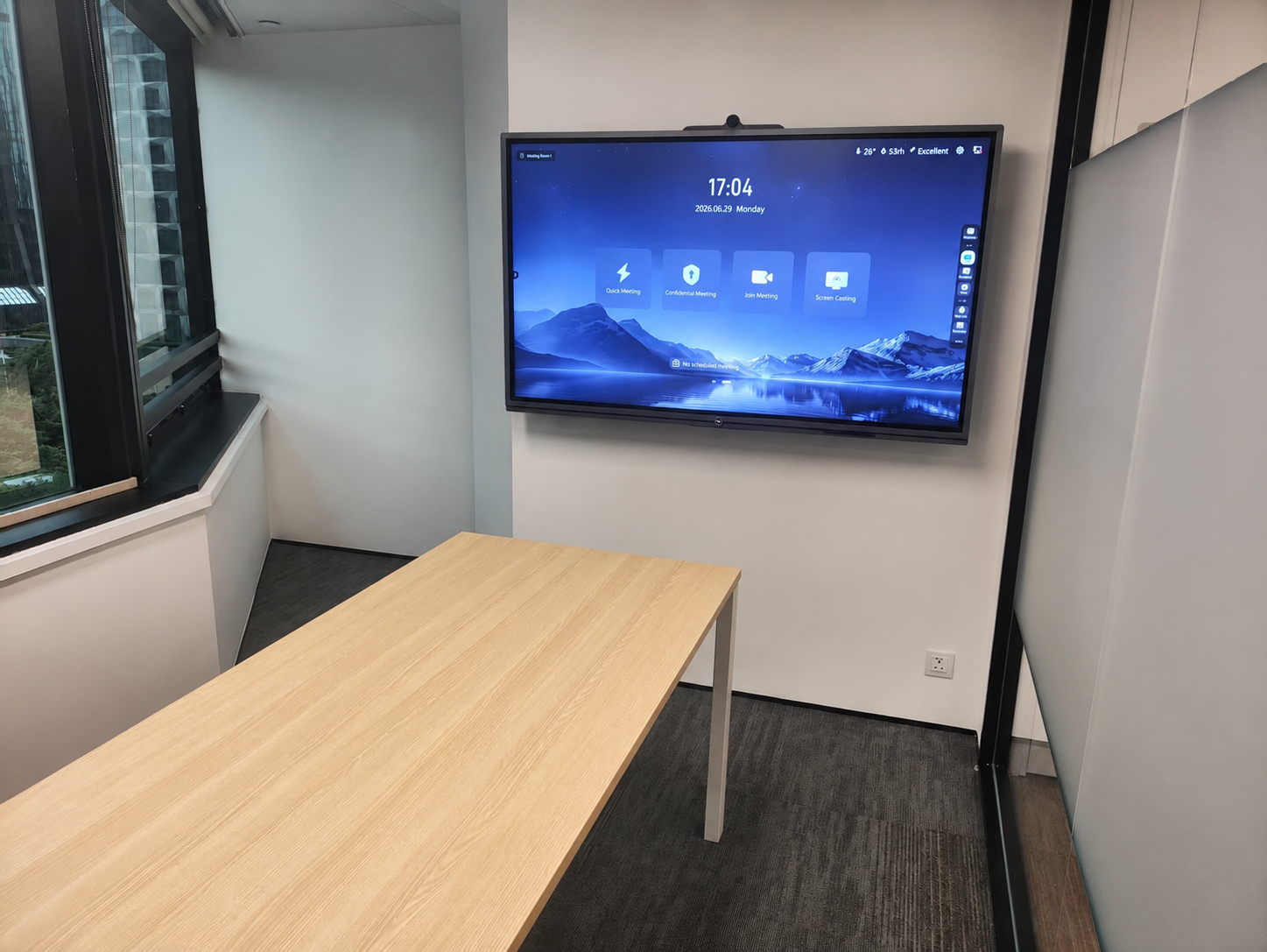
| Huddle room (4–6 seats) | 2 – 4 m | 55" – 65" | 810 series |
| Standard meeting room (8–12 seats) | 4 – 6 m | 65" – 75" | 810 / 820 series |
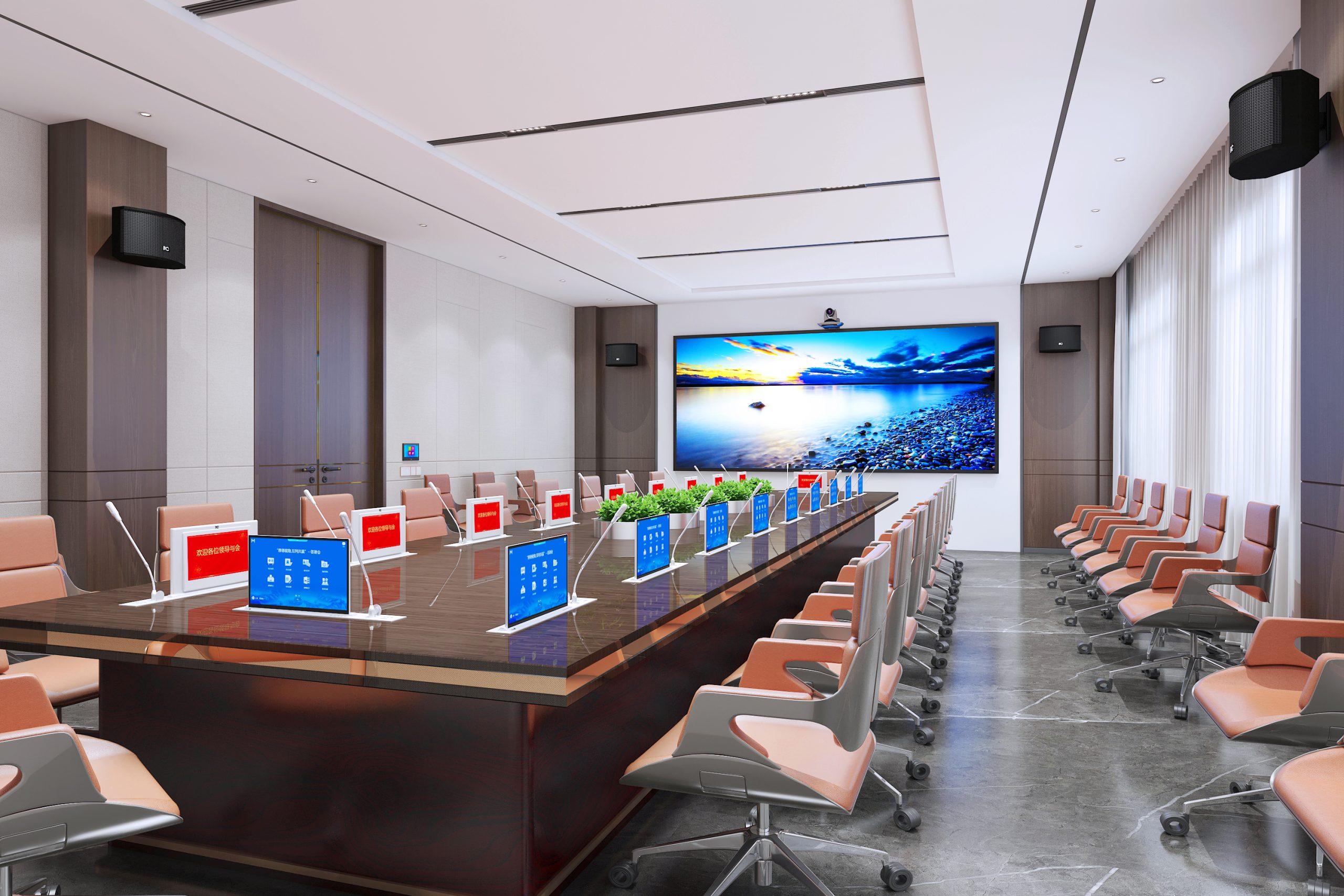
| Boardroom (14–20 seats) | 6 – 8 m | 75" – 86" | 820 series |
| Executive boardroom / demo room | 8 m and beyond | 86" – 98" | 820 series / itcHub |
itc's lineup maps cleanly onto this: the TV-65810 covers huddle and standard rooms in the 810 series, the TV-75820 carries the 820 series into boardrooms, and the flagship TV-S8175 itcHub panel anchors executive rooms where camera, audio and AI features come built in.
Step 2: Writing and collaboration — where panels earn their price
The difference between a panel that transforms meetings and one that becomes an expensive video screen is the collaboration layer. Check these four capabilities in a live demo, not on a datasheet:
- Split-screen multitasking.Real meetings juggle content: a document on one side, the video call beside it, a browser and a whiteboard filling the gaps. Hybrid split-screen that loads video, documents, screen shares and the whiteboard on one surface — with each window still independently controllable — is the single most-used premium feature in daily operation.
- Writing quality.Dual pens so two people write simultaneously, low latency that feels like pen on paper, palm rejection, and handwriting recognition that converts messy whiteboard notes into clean text for the meeting minutes. The itcHub's smart whiteboard converts handwriting to neat text automatically — a small feature that changes whether notes survive past the meeting.
- Unlimited canvas.Fixed-size whiteboards force erasing mid-discussion; an infinite canvas that zooms and roams lets a brainstorm run its full course.
- Reverse control.The panel should not just receive content but control the connected laptop back — walking through a spreadsheet from the wall instead of the laptop keyboard is what makes presenters stop hovering over their machines.
Step 3: Video conferencing — decide the architecture before buying
Video conferencing is where interactive panels differ most between models, so make the architecture decision explicitly:
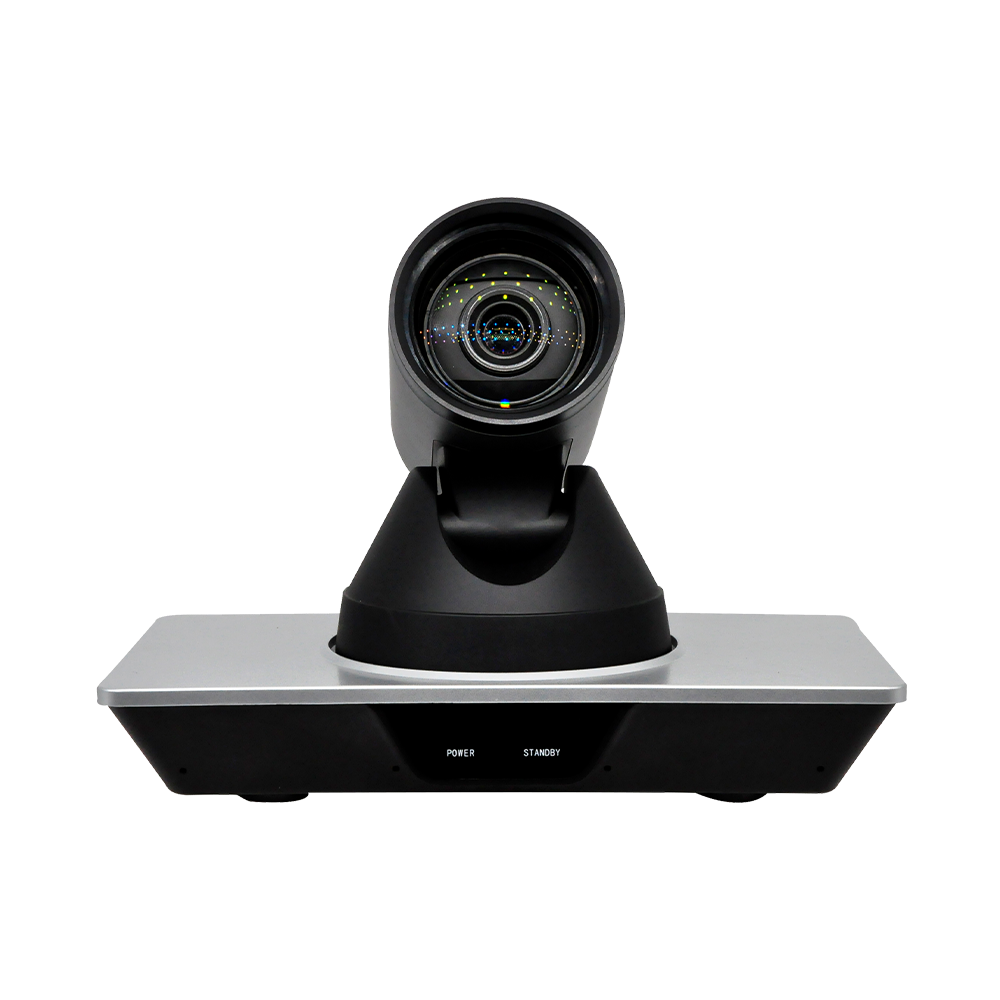
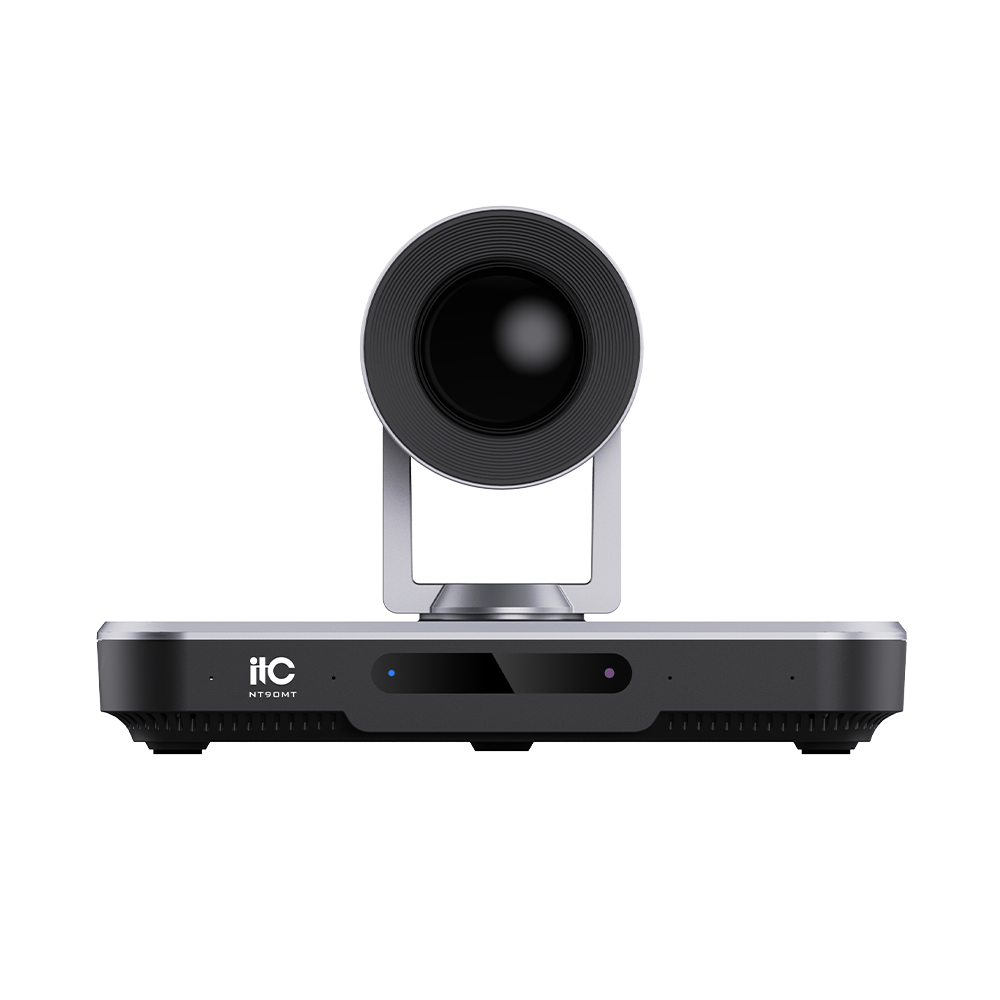
- Built-in camera and audio.The all-in-one route: a magnetic, detachable camera module (the itcHub's optional TV-S81CAM pairs a 48MP sensor with a 108° field of view, AI auto-framing and speaker tracking, and a physical privacy cover) plus professional audio tuned for rooms. This suits rooms that want a clean wall with zero visible equipment.
- Panel + external conference devices.Larger rooms or rooms with existing audio standards connect the panel to dedicated cameras, microphone arrays and a video conference terminal — the panel remains the display and control surface.
- Panel + room codec.Standard Zoom Rooms / Teams Rooms deployments run the codec on the panel or an external compute, with the panel's processor set to pass the codec's resolution cleanly.
Whichever route, verify three things in the demo: echo and pickup quality from the far seats (have someone speak from the worst chair), lip-sync between far-end audio and the wall image, and camera framing behavior when people move. Audio problems are the most common post-purchase complaint in panel-equipped rooms — because the audio was an afterthought in the purchase.
Step 4: Wireless casting and BYOD — the feature guests actually use
The most-used input in a modern meeting room is whatever device walked in the door. Casting should pass four tests:
- One tap.NFC touch-to-cast (tap the phone against the panel) or a one-key transmitter dongle beats every app-and-code workflow; the itcHub supports NFC touch transmission, wireless sharing and one-key casting side by side.
- Cross-network.Guest devices on a different Wi-Fi VLAN than the panel must still cast — "cross-network-segment sharing" is a real requirement in corporate networks, not a nice-to-have. Test it with a guest phone on the visitor Wi-Fi.
- Multi-window.Two laptops presenting side by side (compare-proposals meetings) should work in split-screen windows, not fight over the full screen.
- Reverse control.Casting plus reverse control means the presenter can drive their laptop from the panel — covered above, worth repeating because it closes the loop.
Step 5: Operating system and apps
The same dual-system logic from classrooms applies to business: Android built in for instant boot into the whiteboard and casting interface, Windows on an OPS module for full desktop software and corporate applications. Enterprise buyers should add two checks: whether the panel's app platform covers the company's collaboration stack (Teams, Zoom, web conferencing, document tools), and whether IT can lock the system down — kiosk mode, restricted app installation, and remote management from a console. The itcHub line runs an x86-class high-integration architecture, which matters for rooms running heavier Windows workloads like design reviews or data dashboards.
One more enterprise-grade detail worth requesting: environment integration. The itcHub's smart button bundles infrared control for lights, curtains and microphones with temperature, humidity, light and PM2.5 sensors — small-room automation that used to require a separate control system.
Step 6: Audio, installation and the details that decide daily satisfaction
- A 2.1-channel professional audio system with tuned sound profiles covers most rooms up to boardroom size; larger rooms add ceiling speakers through the conference terminal route. Never leave room audio to a panel's default.
- Wall mount for fixed rooms, floor bracket for flexible spaces, and — for rooms that reconfigure — the panel's mobility extends the meeting space instead of anchoring it. Confirm wall structure and cable routing before the installation quote is accepted.
- Security and privacy.A physical camera privacy cover (magnetic detachable modules make this simple) and screen-lock policies should be in the purchase specification, not improvised afterwards.
- Removable audio/video modules and OPS computing mean a failed module is a swap, not a panel replacement. Ask what is user-replaceable and what requires a service visit.
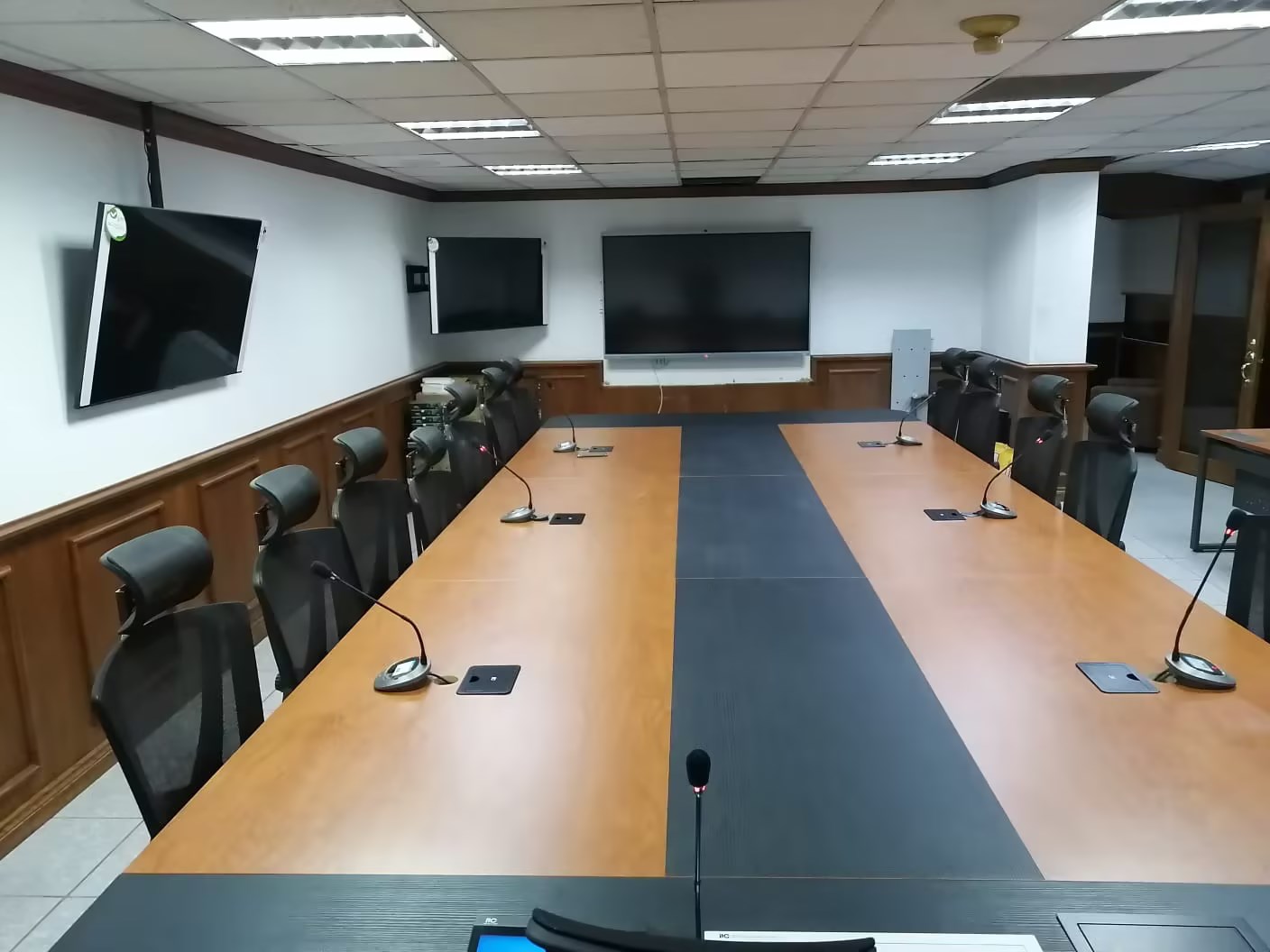
The meeting room panel buying checklist
- Panel size matched to farthest-seat distance (text height ≈ distance ÷ 25), touch reachability checked for standing users.
- 4K UHD, anti-glare surface demonstrated under the room's real lighting.
- Split-screen multitasking demoed with a real meeting's content mix.
- Dual-pen writing, palm rejection, handwriting-to-text conversion.
- Video conferencing architecture chosen: built-in module, external devices, or room codec — with echo and pickup tested from the worst seat.
- Casting tested with a guest phone on visitor Wi-Fi, including cross-network and multi-window cases.
- Reverse control and NFC/one-key casting in the package.
- Android + Windows OPS dual system, app stack mapped, IT lockdown and remote management confirmed.
- Camera privacy cover and screen security policy in the specification.
- Modular serviceability and written warranty terms confirmed.
Frequently asked questions
What size interactive flat panel fits a meeting room?
Huddle rooms work at 55–65 inches, standard meeting rooms at 65–75, boardrooms at 75–86, and executive or demo rooms at 86–98. The farthest-seat rule (text height ≈ distance ÷ 25) settles borderline cases.
Is an interactive flat panel better than a projector for meetings?
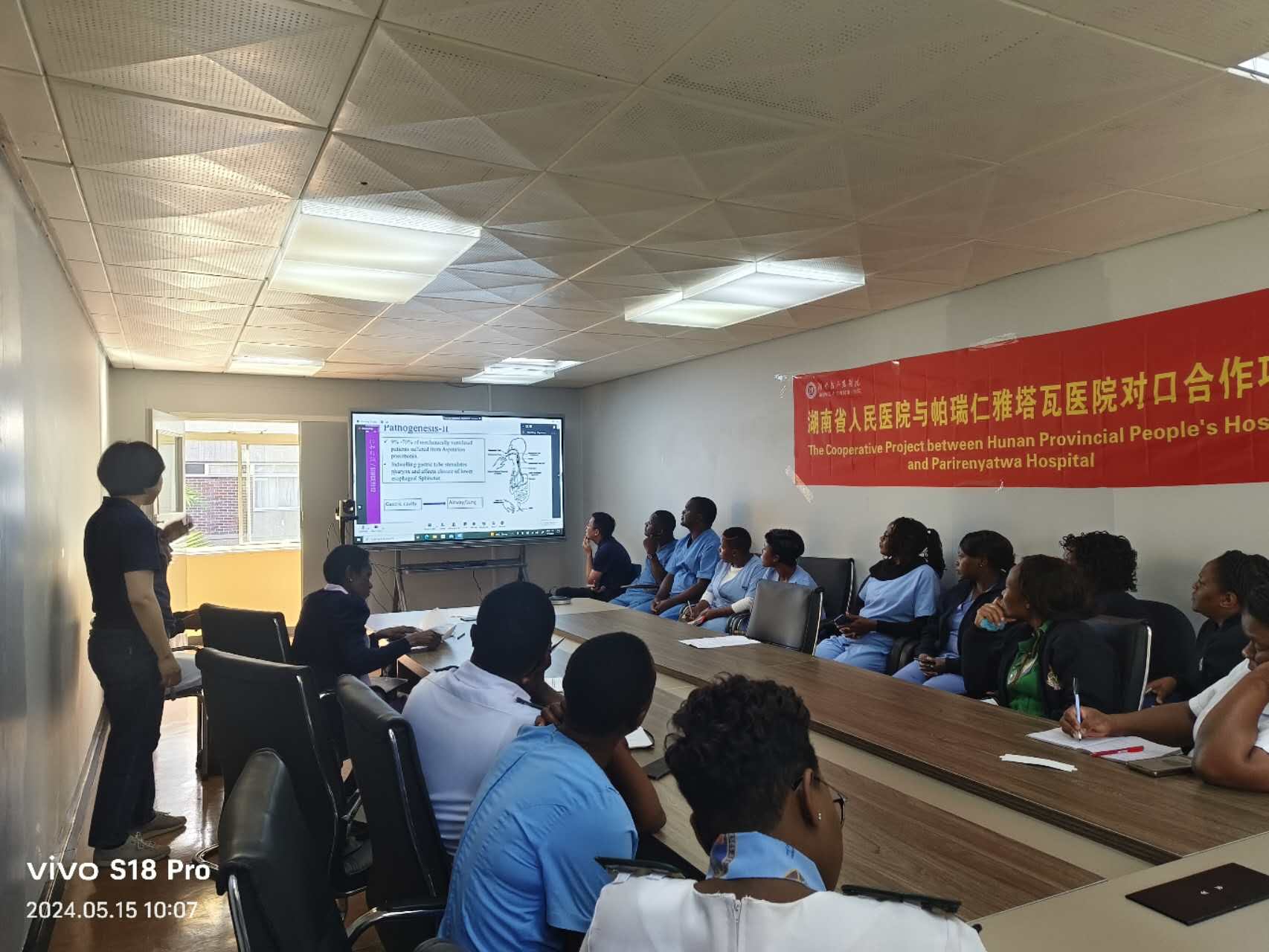
In rooms with daylight, daily use and video calls, yes: the image never fades, there is no presenter shadow, writing is built in, and the panel boots straight into the meeting interface. Projectors remain sensible only in dark, low-usage training spaces.
Can the panel run Zoom and Teams?
Yes — either through the panel's app platform on Android, the Windows OPS module, or an external room codec feeding the panel. Confirm the processor passes the codec's native resolution, and test far-end audio quality in the actual room before purchase.
Do guests need to install anything to cast?
With one-key transmitters or NFC touch-to-cast, no app installation is needed. Verify the cross-network case — guests on visitor Wi-Fi — in the demo, because that is where casting fails in real corporate networks.
What is the difference between conference and education panels?
The hardware overlaps heavily; the software emphasis differs. Education panels prioritize teaching tools, eye care and classroom management, while conference panels prioritize conferencing integration, casting workflows and enterprise management. Our side-by-side education vs. conference panel comparison covers the details.
From shortlist to purchase order
Choose the technology honestly for the room, size it from the farthest seat, demo the collaboration features with a real meeting, test audio from the worst chair, and make a guest phone cast on visitor Wi-Fi before anyone signs. Panels that pass those five tests get used every day; the rest become very expensive video screens.
itc's conference range covers the full ladder — from the 65-inch 810 series through the 820 series boardroom tier to the AI-equipped itcHub flagship with built-in camera, audio and smart-room control. Explore the full interactive flat panel range or contact our team with your room list for a per-room configuration proposal.
Related Posts
-
 Nov 13,2026
How to Choose an Interactive Flat Panel for Your Classroom: Complete Buying Guide
The projector-and-whiteboard combination that defined classrooms for two decades is being retired, and not quietly. Schools…
-
 Oct 26,2023
itc Exhibition Review of ITCN Asia 2023 in Pakistan
We had an incredible time showcasing our cutting-edge products at the ITCN Asia 2023 – International…
-
 Jan 05,2024
itc Ranks as Top10 Brand in Conference, Audio, and PA Systems
Audiovisual Industry Annual List The Jinkongque Awards, jointly created by professional audiovisual media, aims to…